$20 Broken Robot Vacuum — WiFi Password, Cloud Tokens & a Map of a Stranger's Home Hidden in the Flash
Bought a broken Roborock S5 for $20. Reballed the BGA eMMC, extracted the flash, and found the previous owner's WiFi credentials, Xiaomi cloud token, root SSH password, and a full LiDAR map of their home — all unencrypted. A factory reset leaves every byte of it behind.
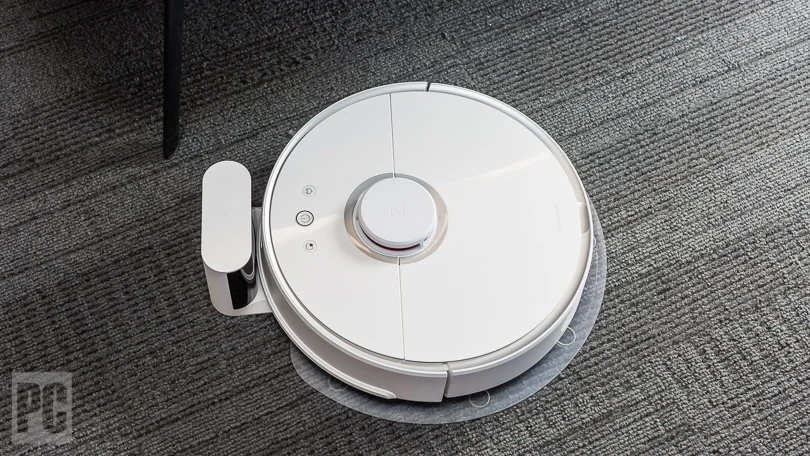
Whilst doom scrolling Facebook Marketplace, I came across a non-working Roborock S5 listed for $20 AUD. These devices run a full Linux stack and are packed with interesting hardware — Allwinner ARM SoC, DDR3 RAM, WiFi, an STM32 co-processor, and a Toshiba BGA eMMC holding the entire OS and user data.
Rather than scrapping it, I decided to do a BGA rework, extract the flash image from the eMMC flash memory, and see what the previous owner had left behind.
This post isn’t about getting root access on the Roborock, as that’s widely documented. It’s about demonstrating BGA chip recovery with cheap tooling, and showing what consumer IoT devices silently store on flash after you’re done with them.
The high-level findings include WiFi password, Xiaomi cloud token, root SSH password, and a LiDAR map of a stranger’s home. All unencrypted.
Note - All credentials shared in this report have been randomised and do not reflect real secrets.
1. The Device
| Field | Value |
|---|---|
| Model | Roborock S5 (roborock.vacuum.s5) |
| Firmware | 2018062700REL |
| OS | Linux (Debian-based, kernel 3.4.39) |
| SoC | Allwinner ARM R16 |
| RAM | 512 MB |
| Storage | TOSHIBA-4G-15nm eMMC (THGBMDG5D1LBAIL · BGA-153) |
| WiFi | Realtek RTL8189ETV |
| Cloud | Xiaomi MiIO (us.ot.io.mi.com:8053) |
2. Hardware Teardown
Whilst I normally provide a guide for disassembling the target device, in this case I’ll defer to an excellent teardown guide by rclobes: Roborock S5 Disassembly — Instructables. After removing the better part of 30 screws, the main logic board came out.
2.1 Chip Identification
The following images outline the chip placement on the device’s main PCB.
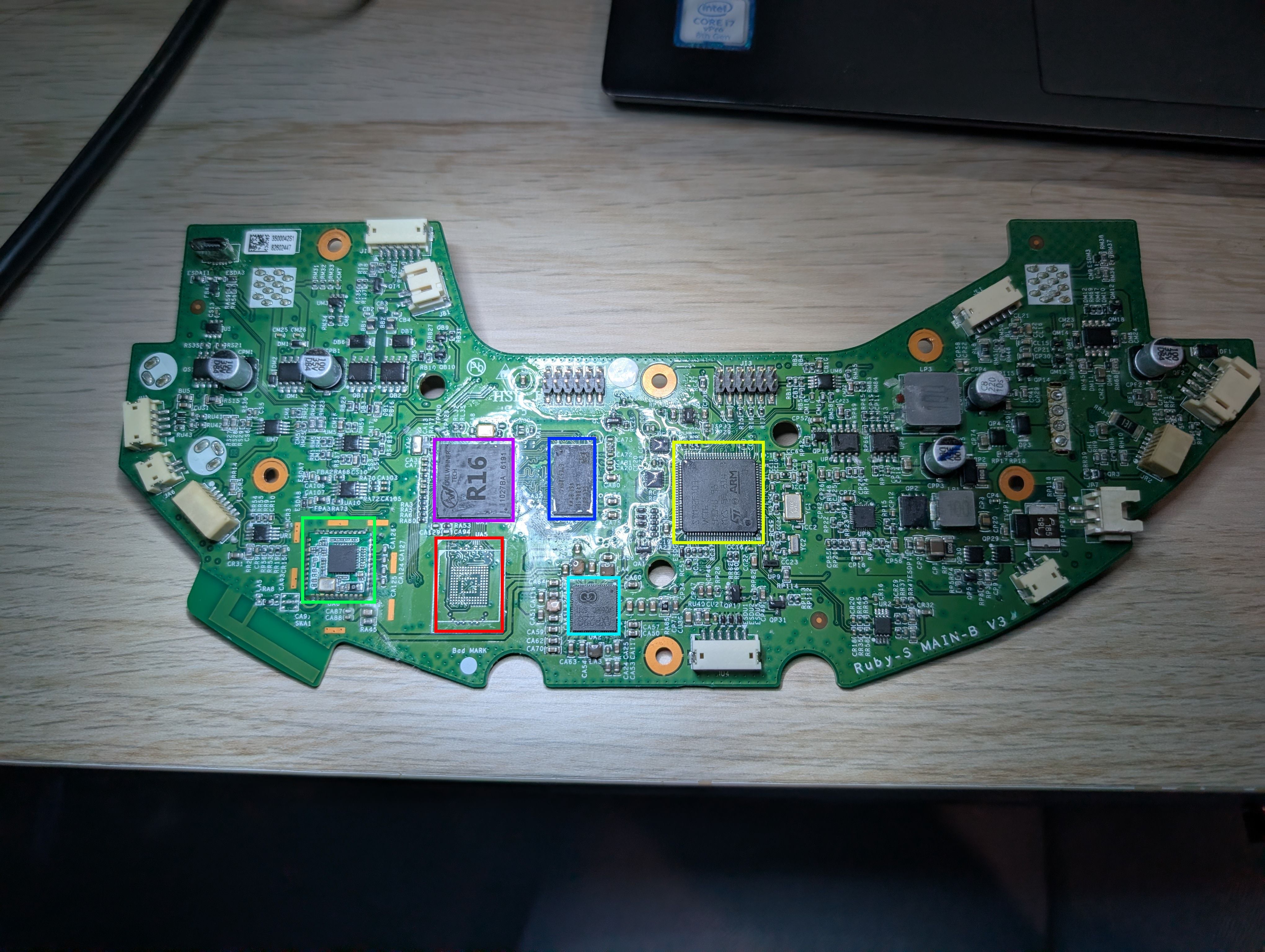
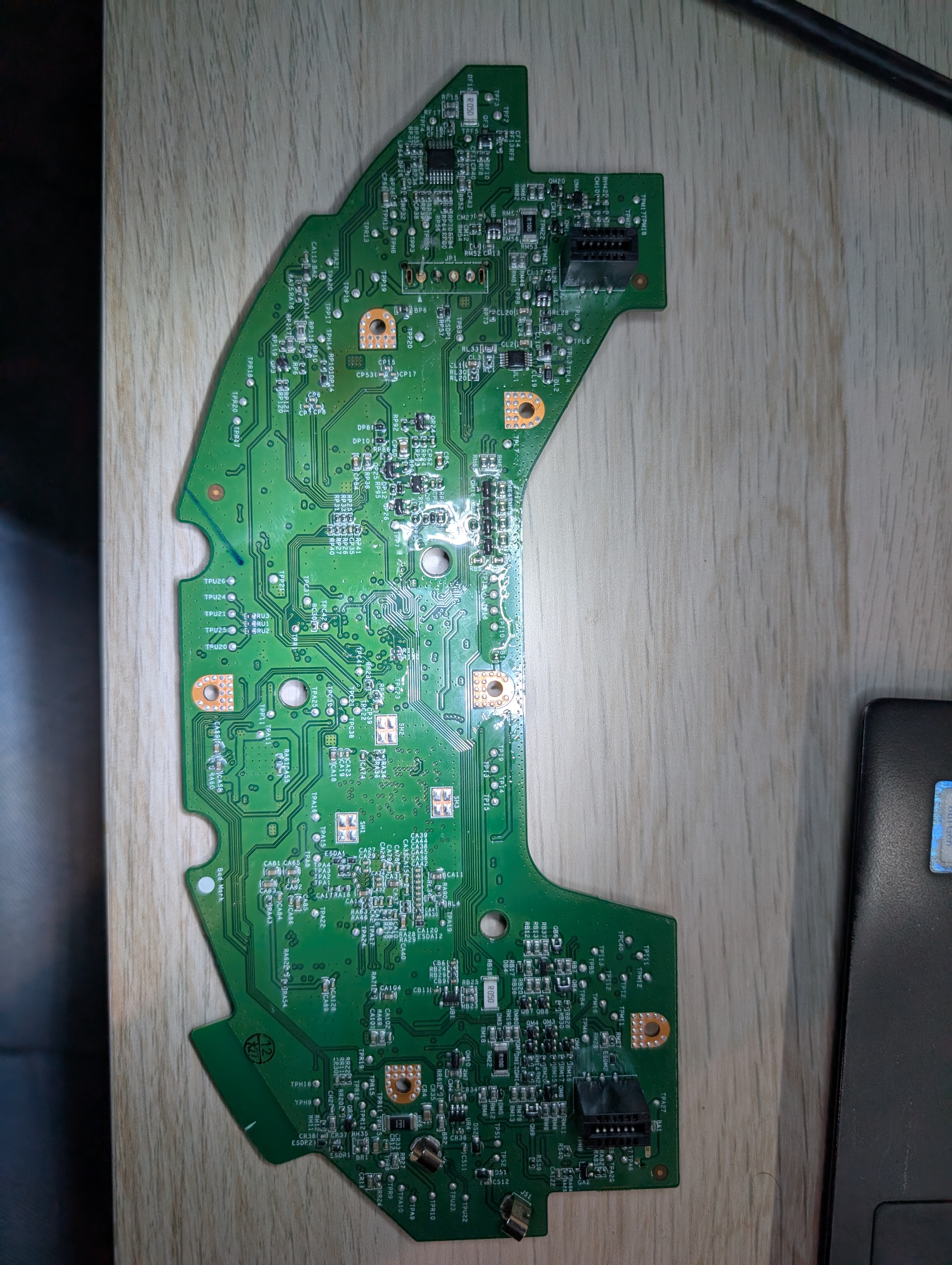
The chips highlighted above are broken down in further detail in the table below.
| Chip | Photo | Markings | Pinout | Description | Datasheet |
|---|---|---|---|---|---|
| THGBMDG5D1LBAIL eMMC Flash Toshiba · BGA-153 | 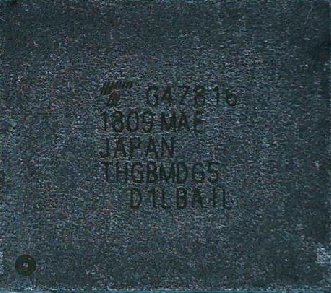 | G478161809 MAEJAPANTHGBMDG5D1LBAIL | 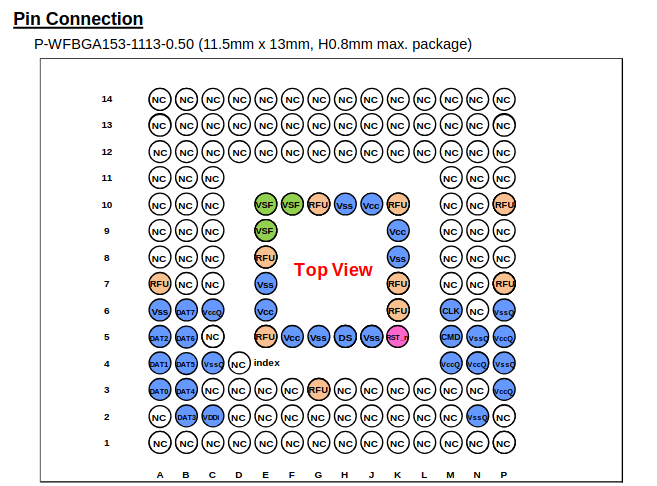 | Toshiba 4 GB 15 nm eMMC (JEDEC 5.0). 153-ball BGA, 11.5 × 13 mm. Holds all OS partitions, user data, LiDAR maps, and credentials. The target chip for this post — removed, reballed, and read directly via SD adapter. | THGBMDG5D1LBAIL (PDF) |
| K4B4G1646E DDR3L SDRAM Samsung · FBGA-96 | 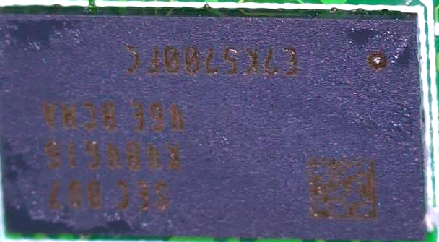 | K4B4G1646EJJ08 | 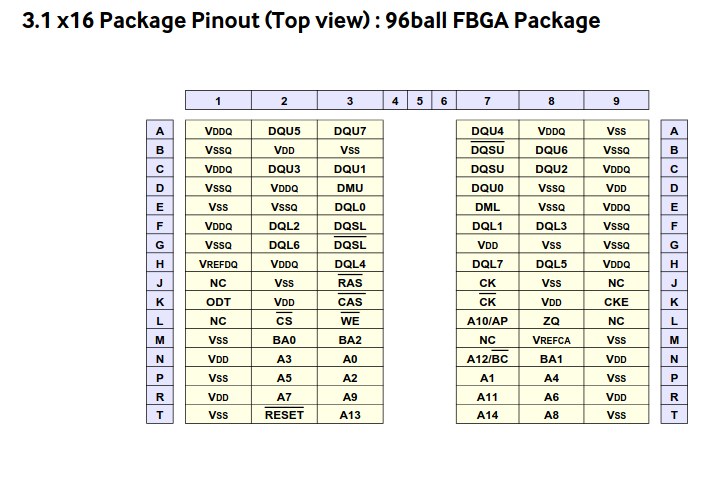 | Samsung 4 Gb (512 MB) DDR3L SDRAM. 1.35 V operation. Provides working memory for the Allwinner R16 running the main Linux stack. | K4B4G1646E (PDF) |
| RTL8189ETV 802.11b/g/n WiFi Realtek · QFN-88 | 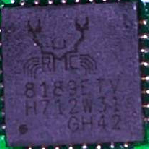 | 8189ETVH712W3IGH42 | 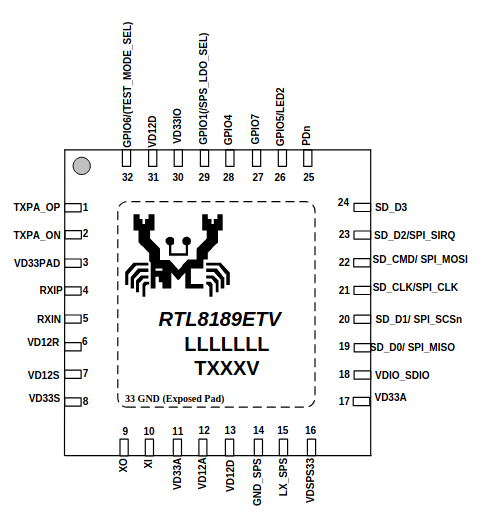 | Realtek single-chip 802.11b/g/n WiFi. Handles all wireless connectivity — provisioning AP (rockrobo) and cloud communications to us.ot.io.mi.com:8053. | RTL8189ETV (PDF) |
| STM32F103VCT6 ARM Cortex-M3 MCU ST · LQFP-100 | 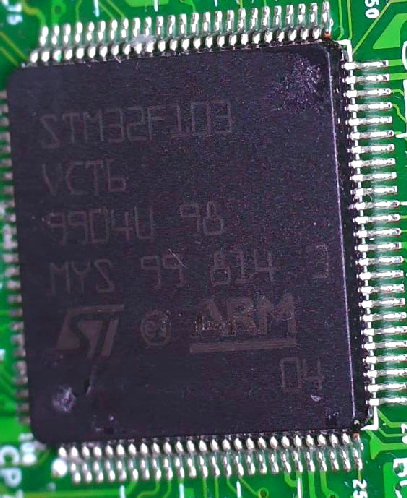 | STM32F103VCT69904U 98MYS 99 814 3 | 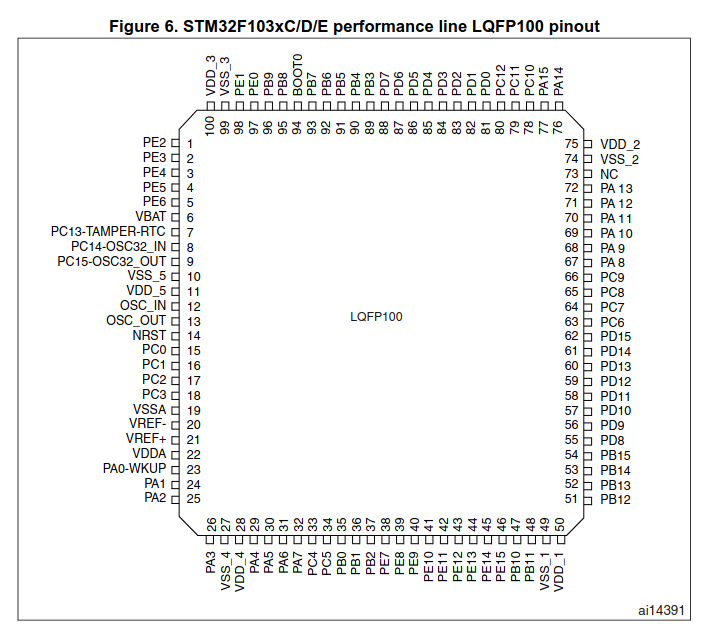 | ST ARM Cortex-M3 running at up to 72 MHz. Acts as real-time co-processor managing LiDAR, motor control, cliff detection, and wheel encoders — independent of the main Linux SoC. | STM32F103xC (PDF) |
| AXP223 Power Management IC X-Powers · QFN-48 | 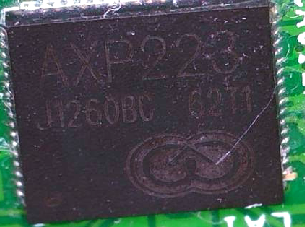 | AXP223J126OBC0211 | 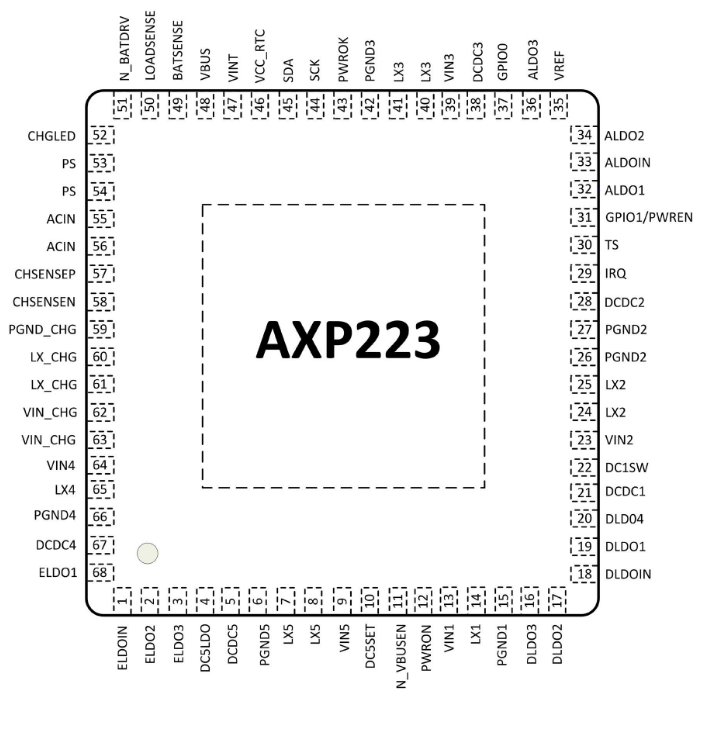 | X-Powers PMIC. Manages battery charging, DCDC converters, and LDO regulators for the SoC, RAM, and peripherals. Communicates with the R16 over I²C. | AXP223 (PDF) |
From the above table, the chip we are most interested in (given the device is dead and won’t turn on) is the THGBMDG5D1LBAIL — the Toshiba BGA-153 eMMC flash.
3. BGA Rework
3.1 Removal
With the eMMC flash storage identified, the next challenge was removing it from the PCB.
This was achieved using an inexpensive hot air rework station:
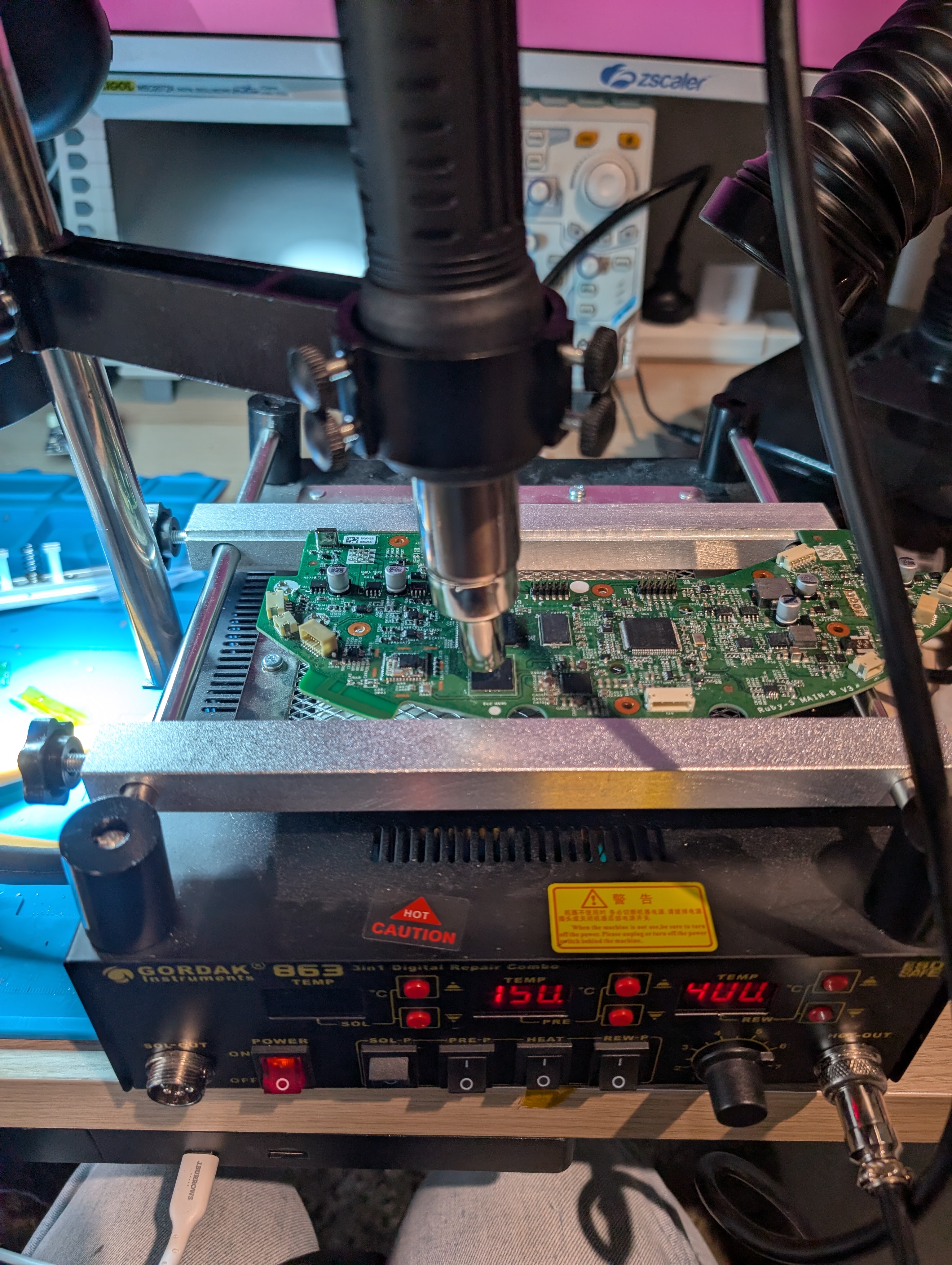
The setup used for the chip removal was the station’s hot air set at 400°C and heated plate set at 150°C.
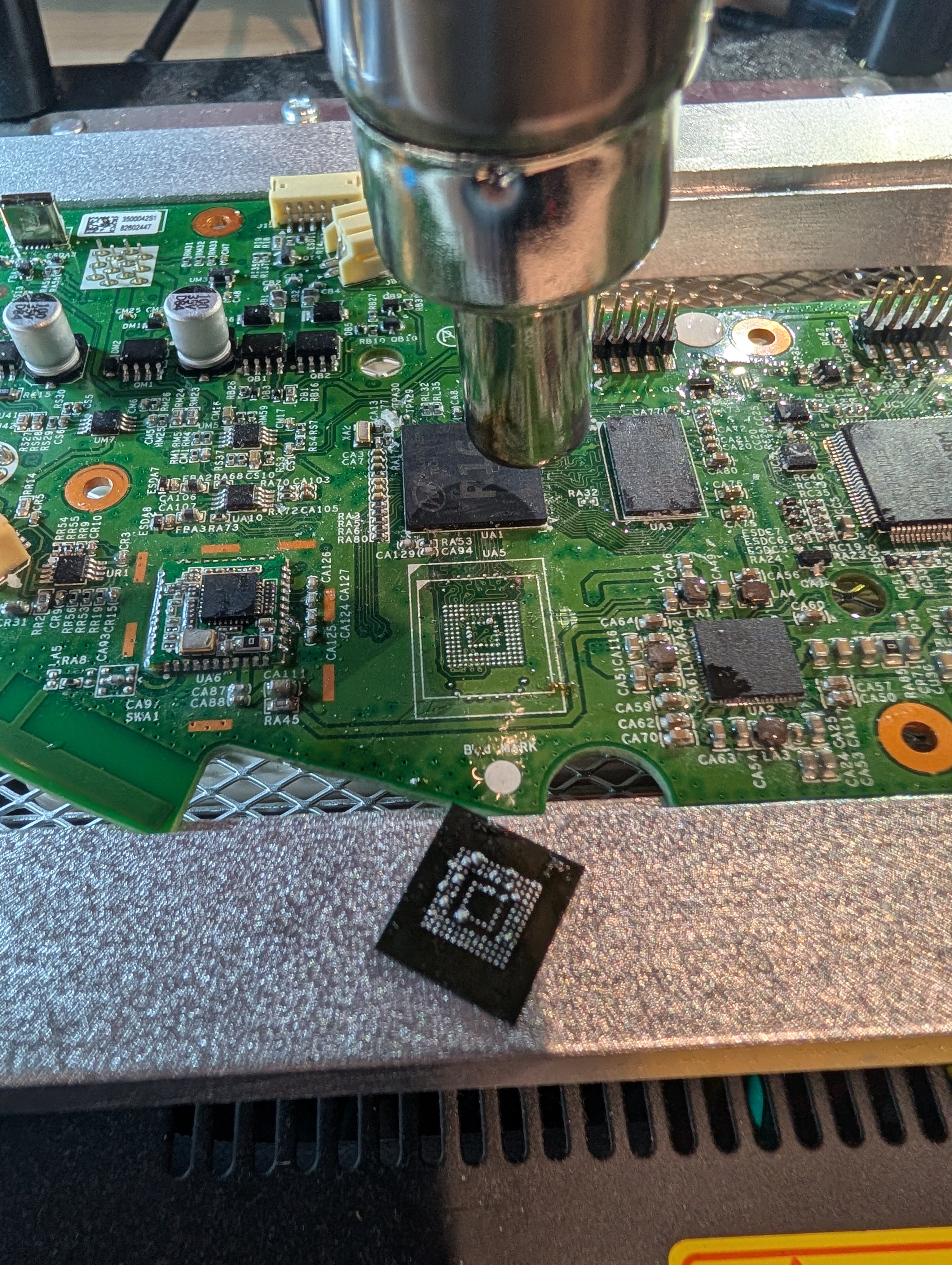
Once the chip was sufficiently heated, it was removed once tapping with tweezers showed it was moving freely.
3.2 Cleaning
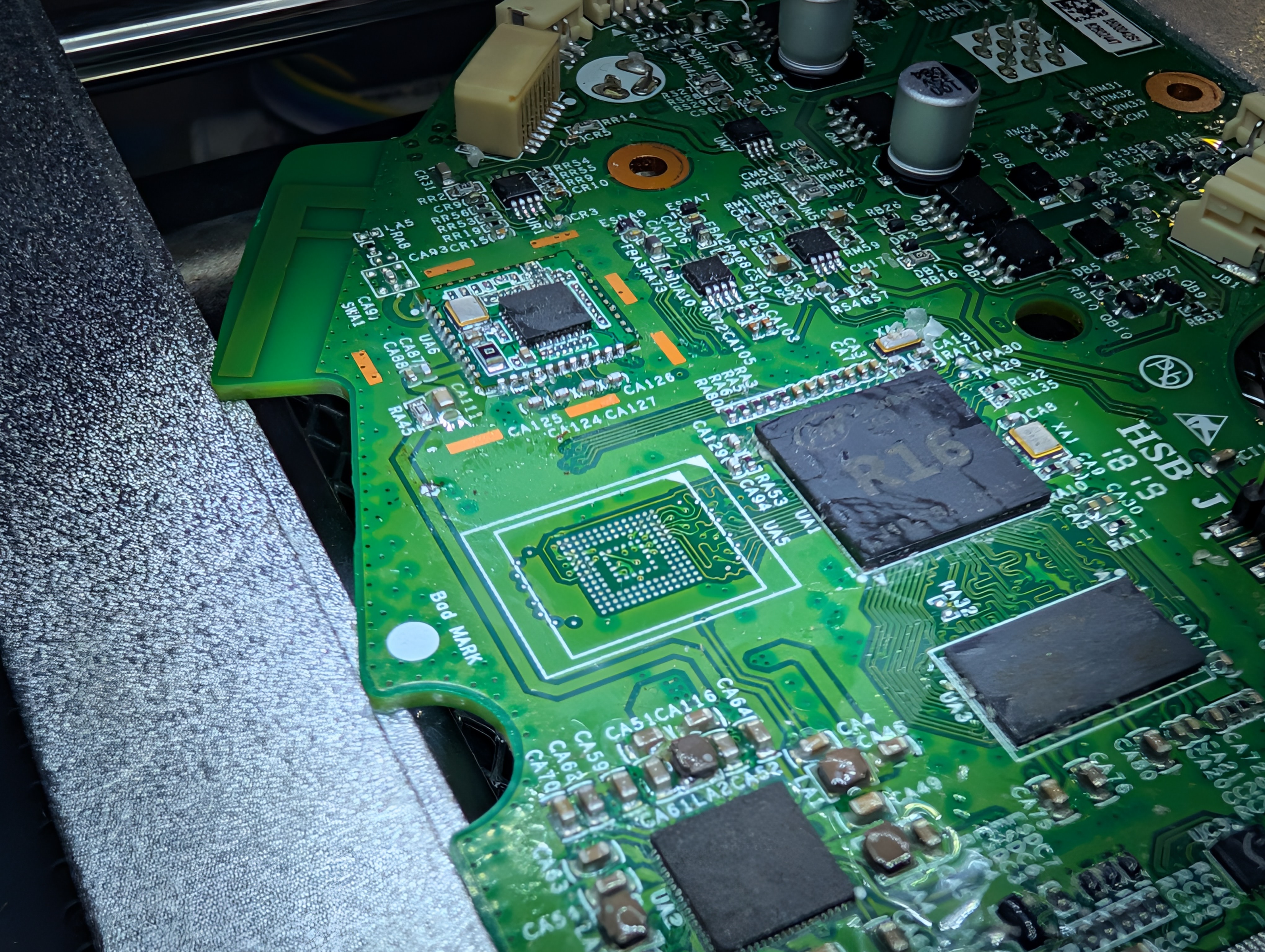
The board was cleaned by adding fresh leaded solder and then following up with solder braid. Finally, isopropyl alcohol was used to remove residual flux and solder. The same process was repeated, as shown in the video below:
3.3 Reballing
Next, the chip was reballed using a magnetic stencil and low melt point solder.
Tip: Thoroughly scrape the solder into the stencil, then clean extensively with 2–3 cotton tips — without any solvent cleaner. This helps to ensure even coverage of solder paste, greatly increasing the odds of a clean BGA reball.
3.4 Soldering to Adapter
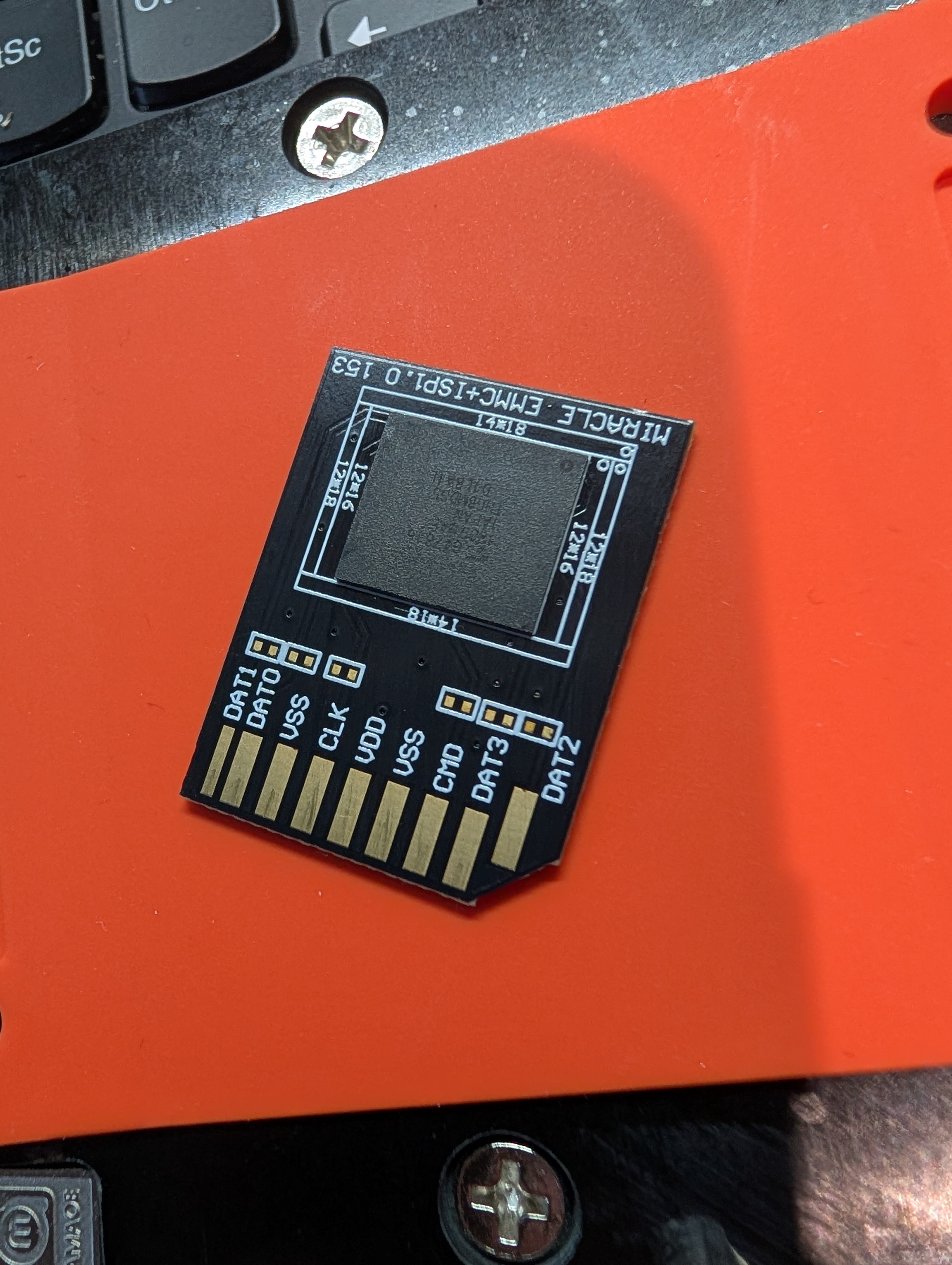
With the eMMC reballed with sufficient solder, it was attached to an eMMC-to-SD card adapter board.
3.5 Final Result
With the flash soldered to the adapter, it was thoroughly cleaned with isopropyl and was now ready to be connected to a computer for data extraction:
4. eMMC Extraction
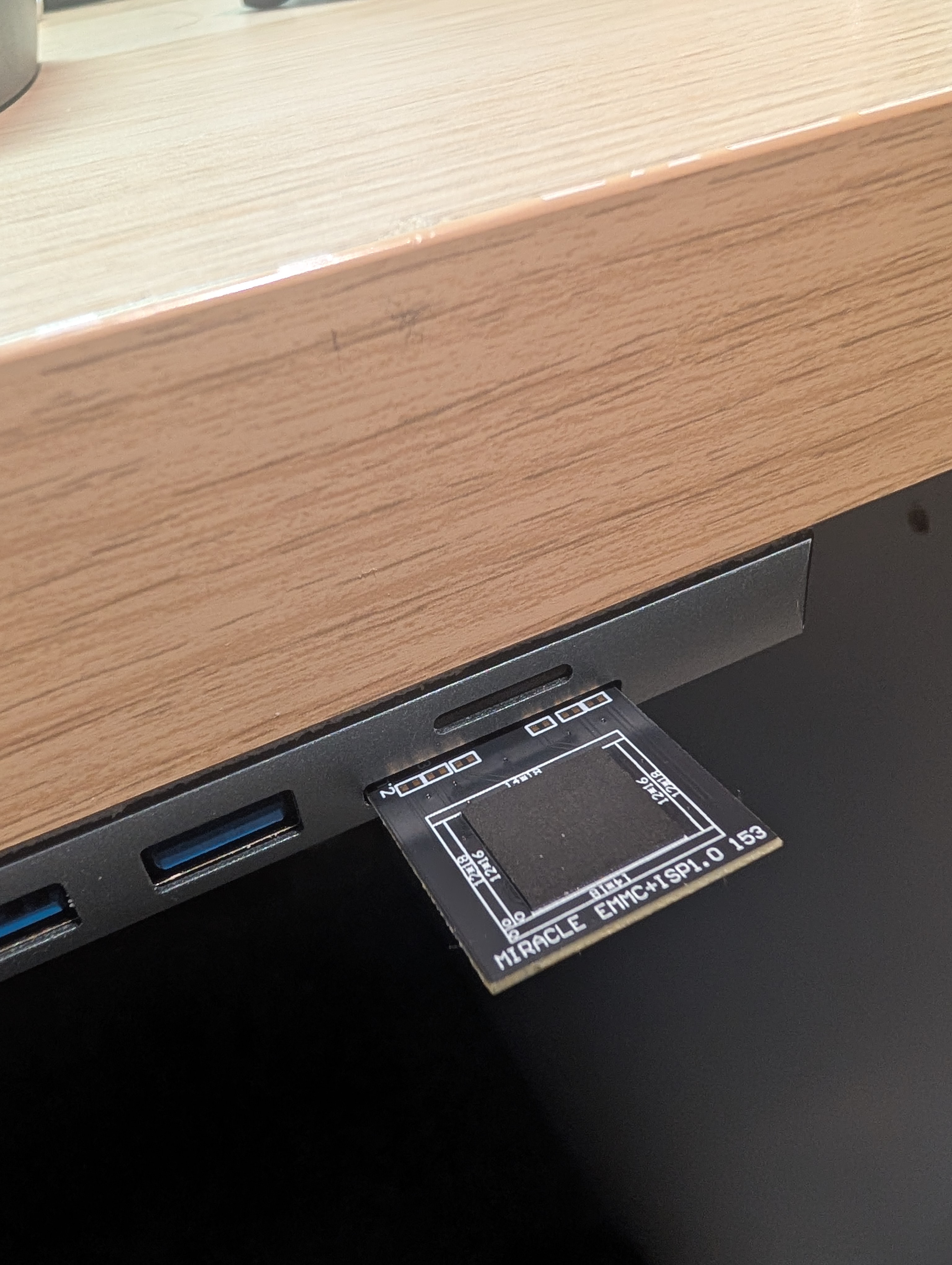
To extract the flash memory, it was plugged straight into the laptop’s SD card reader and mounted immediately as /dev/sda. A full image was taken first:
1
sudo dd if=/dev/sda of=backup.img bs=4M status=progress conv=fsync
The result of the extraction revealed a 3.69 GiB image. 11 partitions — four copies of the Linux rootfs, a U-Boot environment partition, a reserve blackbox partition, and a 1.5 GB user data partition.
1
binwalk -e -M --directory=extracted backup.img
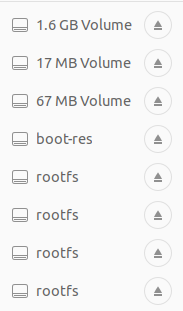
All 11 partitions auto-mounted and were immediately browsable.
5. Secrets Found
With an image taken of the flash memory, the next step was to explore it for secrets.
As noted at the beginning of this post, all values below are randomised.
5.1 WiFi Credentials
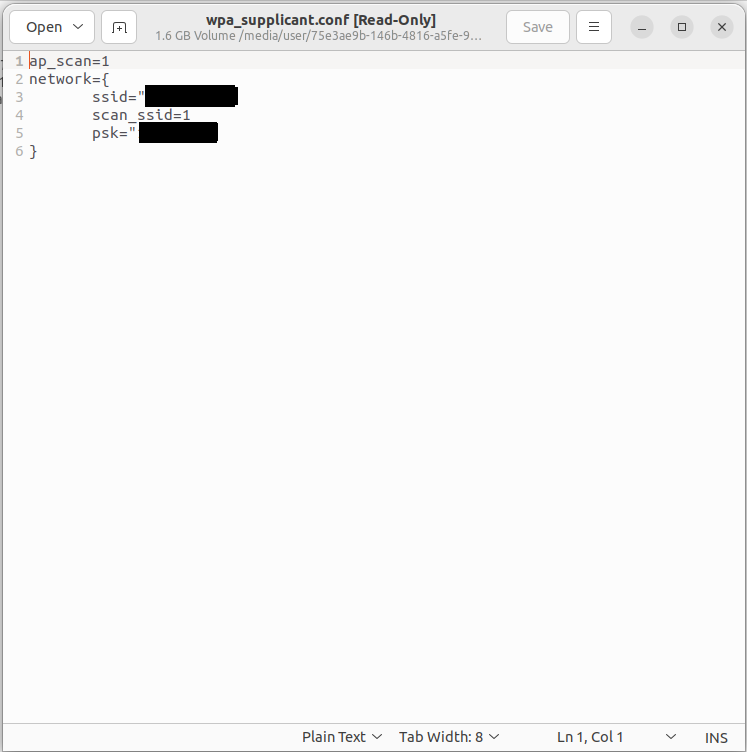
The first and arguably most interesting find in the flash memory extract is the SSID and password for the WiFi network the device was connected to:
1
2
3
4
5
/mnt/data/miio/wifi.conf

ssid="NETGEAR_5B2F"
psk="Meadow7491"
key_mgmt=WPA
Stored in plaintext. No encryption, no hashing. The previous owner’s home WiFi password, sitting readable on the flash.
5.2 Xiaomi MiIO Token & Cloud Key
The following files contained the device’s cloud key:
1
2
/mnt/data/miio/device.token  →  Xp3mNvK8bQzR7sLt
/mnt/default/device.conf     →  did=73291854  key=Wd9nYpT4cVmJ2kFh
5.3 Root Password Hash
1
2
3
/etc/shadow

root:$6$mT6pXqRv$4nWcRbZpMjKvDxPzS9tHgUhFuBo3oDiQ8xYnWrLj6uKm0GdA5fHsSyVCPJbN7t2X1/F+qwZkNcYlhDuj5Q.
5.4 LiDAR Map of Home
1
2
3
4
5
6
/mnt/data/rockrobo/robot.db  (SQLite)

Tables:
  cleanmaps    — LiDAR floor plan BLOBs, one per cleaning session
  cleanrecords — start/end time, area m², duration, error codes
  snapshot     — point-in-time map snapshots
Every room the vacuum has ever cleaned is stored as a timestamped LiDAR blob. The full floor plan of the home is likely reconstructable. The cleaning timestamps also likely reveal when the residents were home and their daily routine.
6. Why This Matters
Everything above was extracted purely from the flash image — no network access, no active exploitation, no account credentials. Just a chip, a hot air gun, and a $20 adapter.
If someone had picked up this device second-hand and the original WiFi network was still in range:
1
2
3
4
5
6
7
8
9
WiFi password (plaintext)
    └─► join home network

MiIO DID + key
    └─► potential for cloud-level impersonation of the device

LiDAR maps in robot.db
    └─► complete floor plan of the home
    └─► cleaning timestamps → occupancy patterns, daily routine
The device doesn’t need to be on the network for the data to be recoverable. Physical access to the chip is enough — and with BGA rework tooling, that’s a low bar.
7. Safe Disposal
A factory reset does not wipe the eMMC.
The data partition that holds the WiFi password, cloud tokens, LiDAR maps, and Xiaomi account UID may not be touched by the device’s reset function. There will also be cases where the device is unable to be factory reset (like this one).
The safest approach is to physically disassemble the device and destroy the storage chip — this makes the data unrecoverable regardless of what software tools an attacker has available. These devices are not worth much on the second-hand market and your data is worth more than their resale value.